By clicking "See Rippling," you agree to the use of your data in accordance with Rippling's Privacy Notice, including for marketing purposes. Terms apply to the 3 month free promo.
Workflows
Automate everything with custom workflows
Tell Rippling AI what you want to automate, from onboarding sequences and approval chains to email alerts and watch it build the workflow. No engineers or configuration docs needed.
How it works
The workflow tool that already knows your business
Describe any process. Rippling AI builds it and gives you full visibility before anything goes live.
From natural language to live workflow
Anyone can build
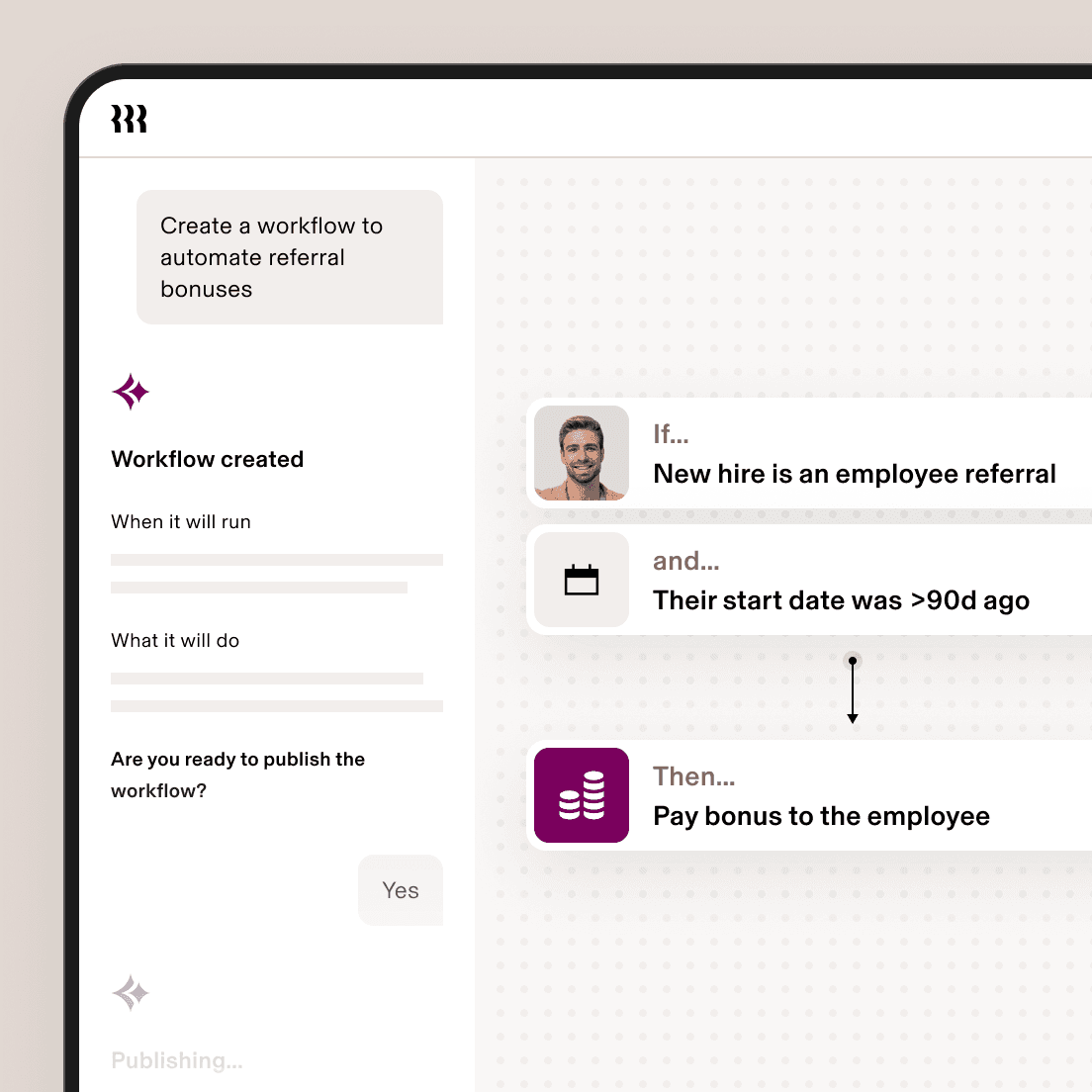
Describe the process in plain language. Rippling AI builds the trigger, conditions, routing, and actions, and you can adjust anything through simple conversation.
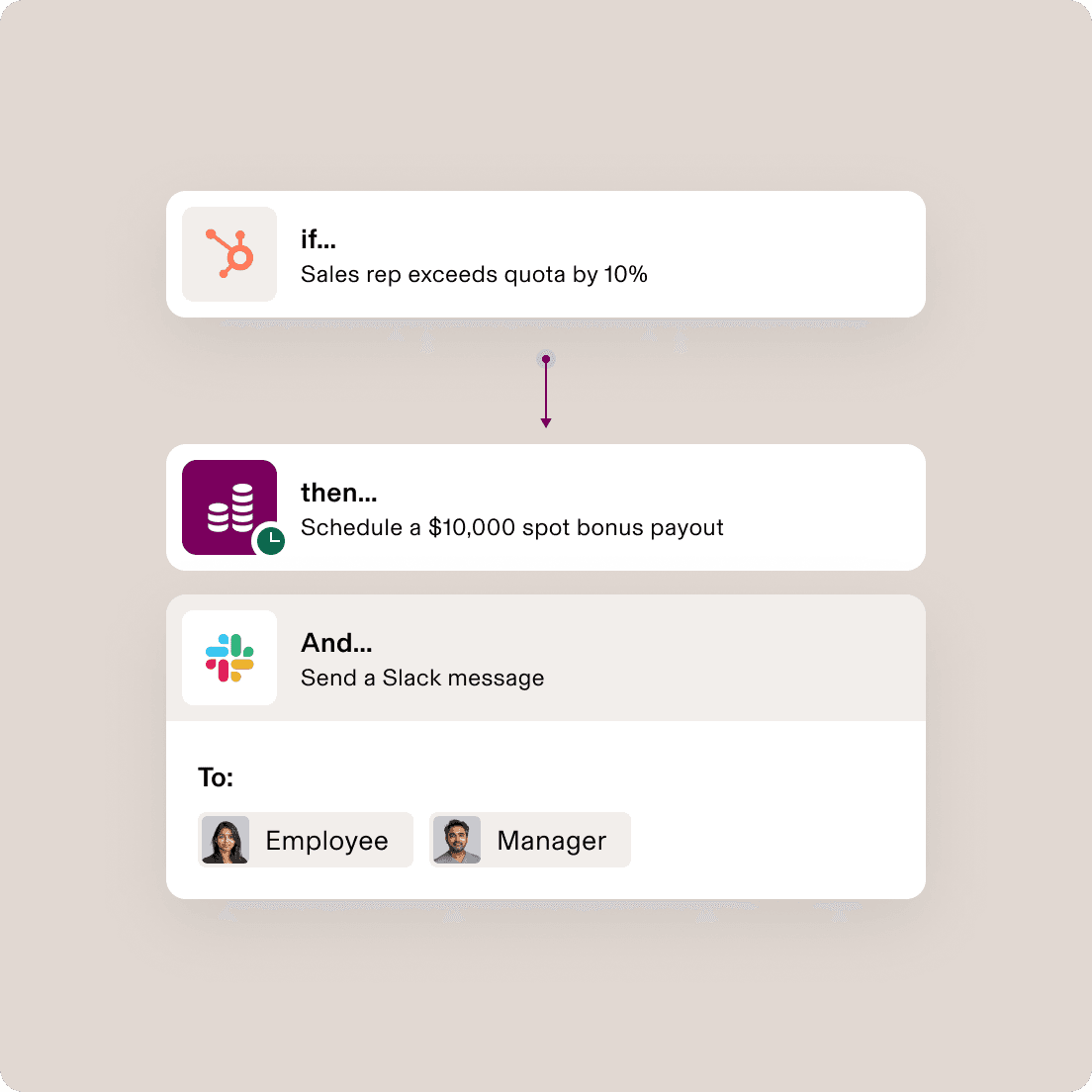
Trigger on anything. Run workflows anywhere.
Workflows built on your workforce and business data
Rippling already knows every employee's role, location, tenure, comp, device status, and app access. Any data in Rippling or your connected third-party apps can kick off a workflow, and the resulting actions can run inside Rippling or out in the tools your team already uses.
Review before it runs
Review the logic, then publish
Rippling shows you exactly what triggers a workflow, what it does, and who it affects before anything goes live. You review the reasoning, confirm the output, and publish knowing it's right.
The more data you connect, the more you can automate
With Rippling Data Cloud you can connect your third-party business systems, from HubSpot to Zendesk, so any signal from any system can trigger a workflow. See how it works.
Permissions
Give your team the power to build on their own
Rippling can securely grant managers and other employee types access to the data you want them to have—and the ability to build their own workflows with it.
People Manager

HR Business Partner

Controller

Real workflows from real teams.
See how our customers are building workflows
Real workflows from teams who have automated work that used to take hours.




Get a demo—live or on demand
See how Rippling can help you manage all of your employee data and operations in one place and easily grow your business from 2 to 2,000+ employees.
FAQs
What is workflow automation?
Workflow automation technology uses if-then logic to automate simple tasks that are time-consuming and repeatable. Rippling takes it further: describe what you want to automate in plain language, and Rippling AI builds the workflow for you. Because Rippling is already your system of record for every employee's role, location, tenure, comp, device status, and app access, the workflows it builds are precise from day one. Anyone in HR, Finance, or IT can create sophisticated, cross-system automations without writing a single line of code or filing an IT ticket.
Why is workflow automation important?
Workflow automation is helpful for eliminating repeatable but time-consuming tasks that get in the way of more critical work. As the amount of software systems that businesses use has grown, manual work has increased as well. That’s because these systems need to be constantly maintained to have the level of functionality users expect. Workflow automation can reduce the manual work by connecting these systems and move data between them using if-then logic.
What is the best workflow automation software?
Rippling gives you a level of configurability no other workflow tool can match. Because Rippling is already your system of record for HR, IT, and Finance data, your workflows are built on accurate, unified data from day one. Rippling AI helps you build from a simple description, giving the most powerful and most accessible workflow tool available.
How does Rippling AI build workflows?
Describe what you need in plain language and Rippling AI proposes the full workflow: the trigger, the conditions, and the actions. You review the logic, make any adjustments, and publish.