By clicking "Book a Demo," you agree to the use of your data in accordance with Rippling's Privacy Notice, including for marketing purposes. Terms apply to the 3 month free promo.
Analytics
Anyone can build a dashboard, not just your data team
Rippling connects your business data from Salesforce, GitHub, your warehouse, or anywhere else to the people behind it. Ask Rippling AI a question, get a dashboard, act on the answer. All in one system.
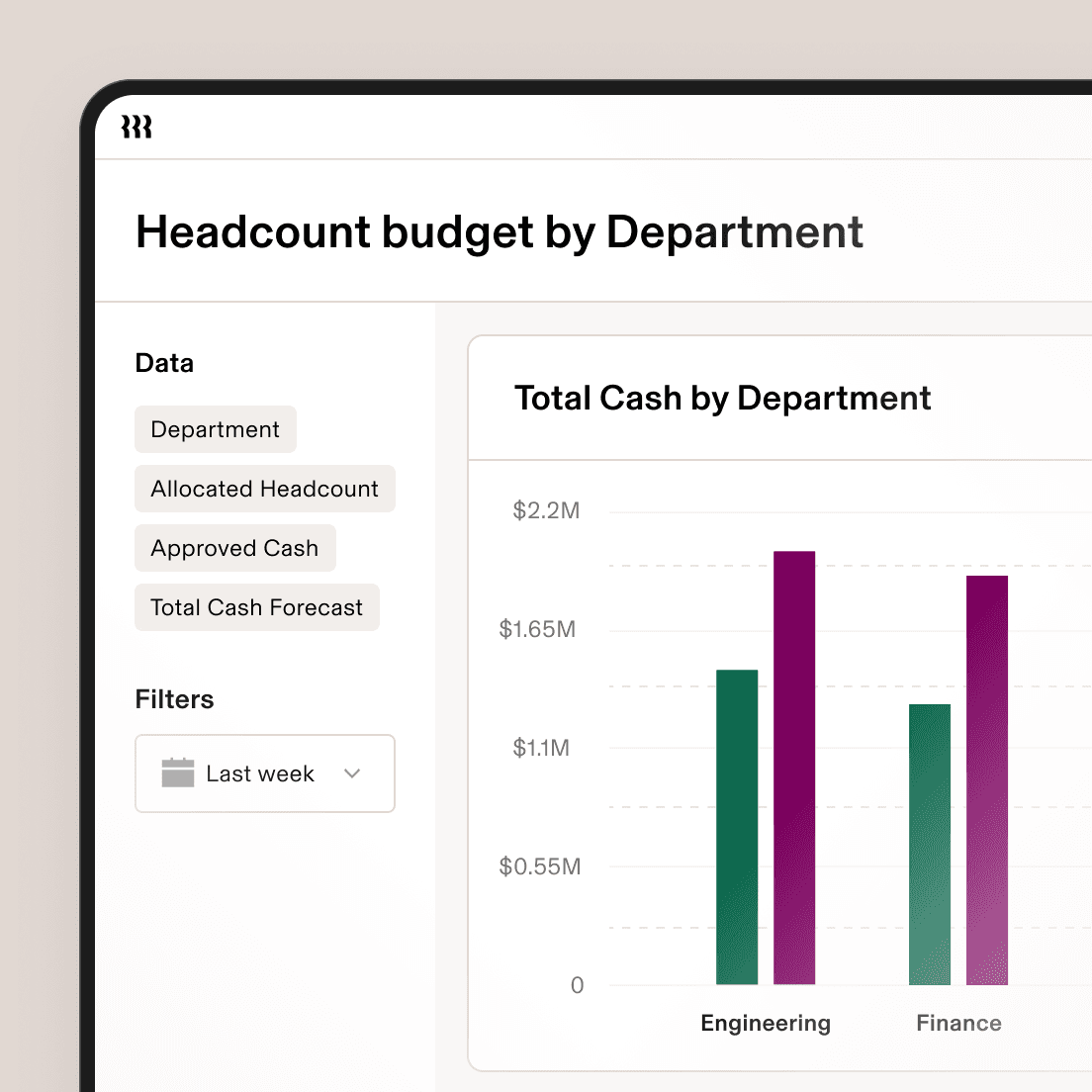
When your BI knows your org, every insight comes with a next step
Ask a question and get a dashboard, or build one yourself with a full suite of BI charts, filters, pivots, and calculated fields. Every insight is one click from action.

Describe it. Rippling AI builds it.
Describe the analysis you want, iterate conversationally, and Rippling AI designs the dashboard for you. Every dashboard is traceable back to the exact data behind it, so you can trust what you're seeing and verify.

Build exactly what you need
Build reports and dashboards from scratch using charts, graphs, pivot tables, calculated fields, and filters. that best fit your analysis.
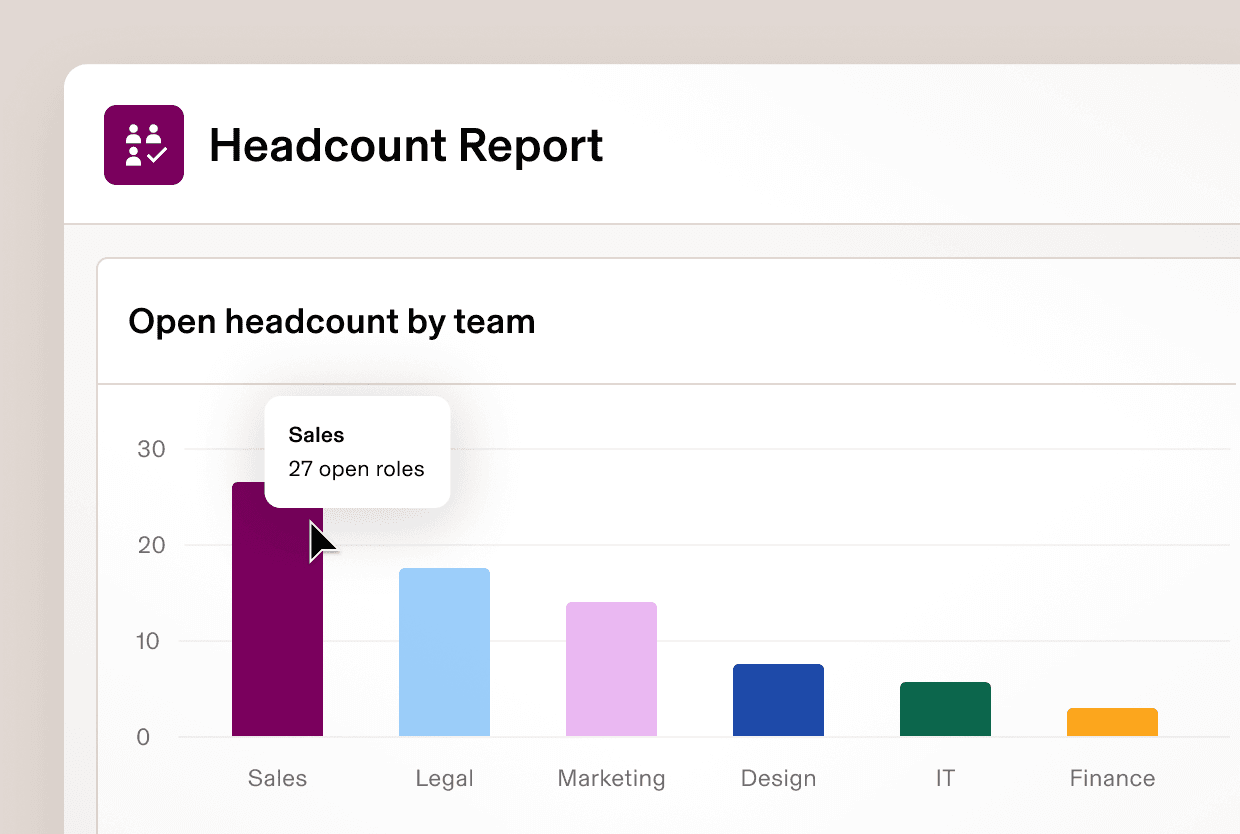
From insight to action, instantly
The records behind every chart are live and clickable. Identify an issue, drill into the data behind it, and trigger a workflow from the same screen.
Data Cloud
Every analysis starts with the full picture
Connect your HR, IT, finance, and third-party business data in one place, automatically joined to the worker identities that make it meaningful.
Connect anything
One-click Data Connectors bring in data from your CRM, support tools, finance systems, and more. Already have a warehouse? Connect Snowflake via zero-copy and query your existing data alongside Rippling data, without migrating or rebuilding pipelines.
Every record, tied to a person
Data is automatically mapped to the worker identities behind it. A deal has an owner. A device has an employee. That mapping is what makes cross-functional analysis possible without manual joins.
Answers that hold up over time
Because Rippling captures what was true at any point in the past, not just what's true today, your dashboards can answer historical questions correctly. Who was on which team when that metric moved? What did the org look like six months ago? No more guessing.
Permissions
Empower leaders without sacrificing security
Rippling automatically governs who sees what based on role, so the right people always have access to the right data without any manual setup and without purchasing additional licenses.
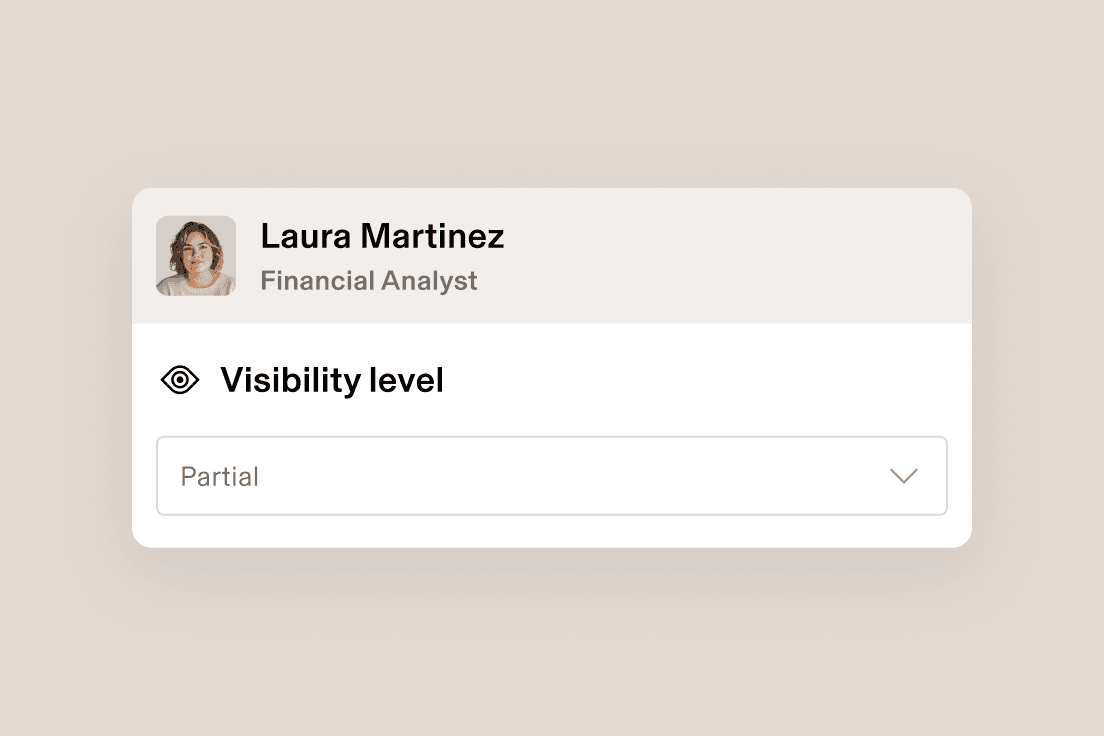
Set role-based permissions
An employee’s access is tied to their role so if their role changes, their access will too. This ensures they have what they need while keeping data secure.
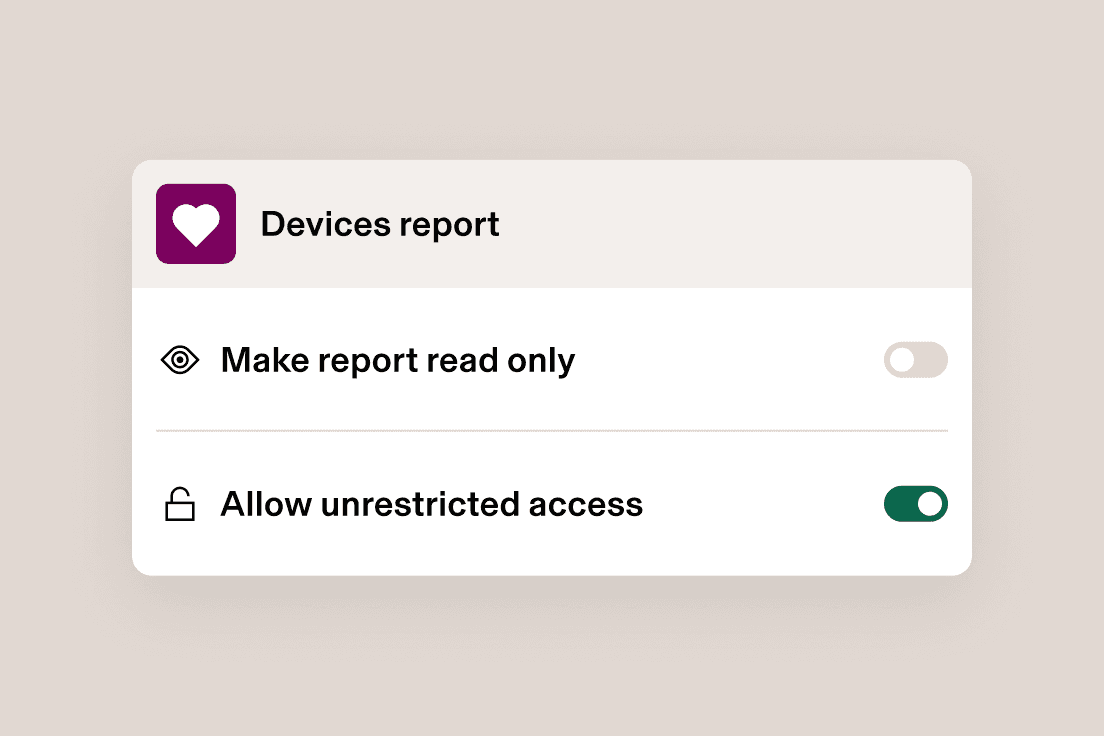
Specify access to reports
Rippling allows for flexible access so users can share reports with role-based permissions or choose to give viewers unrestricted access.
Real workflows from real teams.
See how our customers are building workflows
Real workflows from teams who have automated work that used to take hours.




Get a demo—live or on demand
See how Rippling can help you manage all of your employee data and operations in one place and easily grow your business from 2 to 2,000+ employees.
FAQs
How does Rippling support Workforce Management?
While most Human Capital Management (HCM) or IAM (Identity and Access Management) software products can enable basic reporting on HR or IT metrics, Rippling’s reporting tools enable analysis across everything you need for Workforce Management (WFM). Rippling helps you to manage the productivity and efficiency of your workforce by seamlessly bringing together data from HR, IT, Finance and Operations.
What types of analysis are available out of the box?
Rippling has hundreds of pre-configured reporting recipes designed to get you started including People Analytics and Workforce Analytics on full time or hourly workers. Rippling also has recipes for reports on devices, access, spend, compensation, time off, and more, all available for customization.
How is data shared securely within Rippling?
Admins within Rippling create permission profiles to determine which employees or groups of employees can have access to data. When a report is shared, only data approved for the permission profile will be visible. Because Rippling allows for flexible access, a user can also choose to share with unrestricted access for specific reports. Permission profiles are dynamic based on a user's role, and will update if their role changes.
Who can conduct analysis?
Rippling does not charge for viewer or editor licences; any Rippling user can run reports and analyses through the lens of their permission profile.