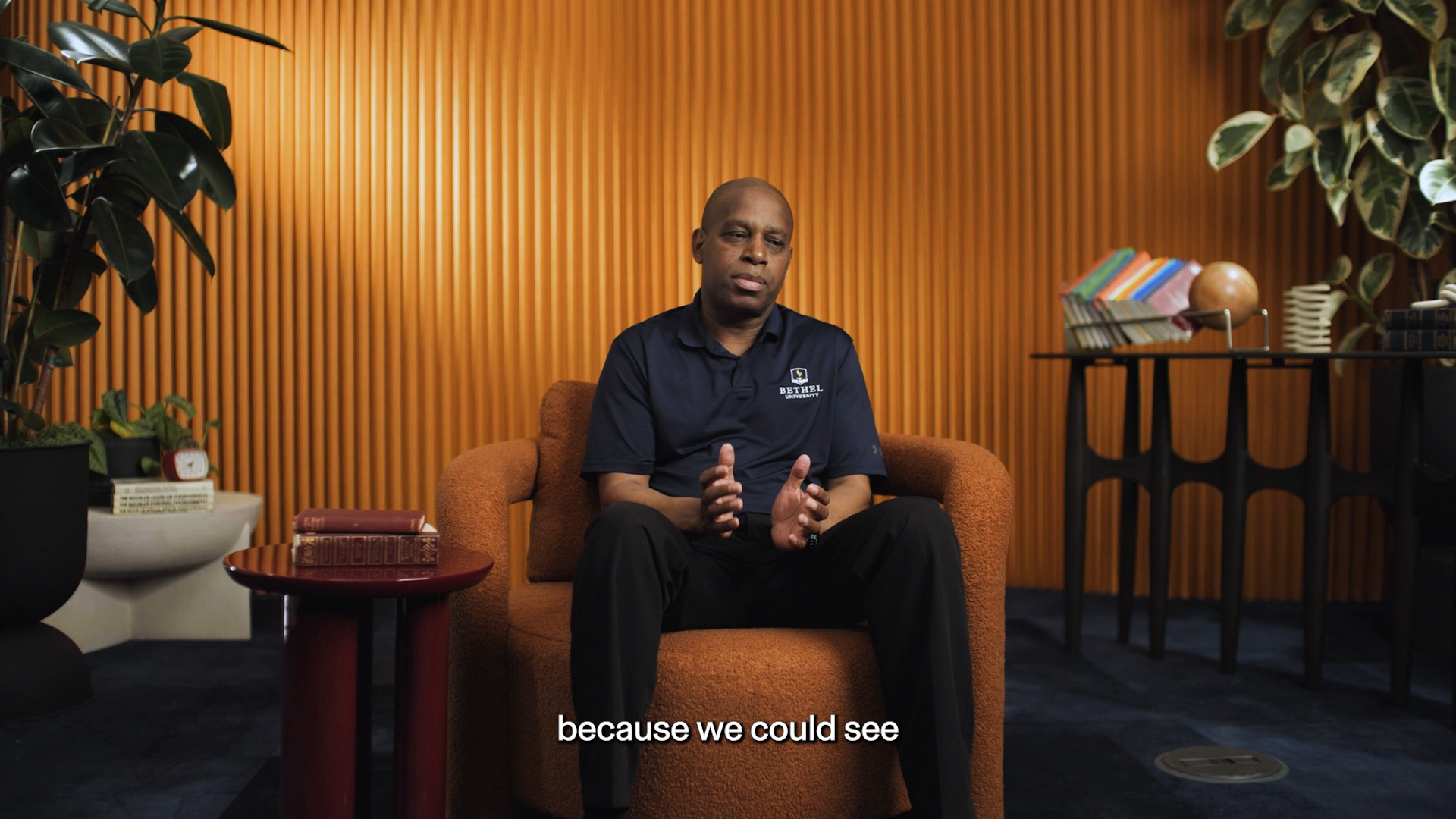
We literally brought somebody in from outside the organization to validate all of the paper forms versus what was entered into Banner.
How Bethel University replaced weeks of manual faculty pay validation with a single app

In this article
Michael Freer is the CHRO at Bethel University, a private Christian university in St. Paul, Minnesota. When the process for validating faculty pay couldn't keep up with the complexity of the institution's pay structures, the team didn't add another workaround. They built exactly what was needed, right inside Rippling. The following is Michael's account of how that happened.
When every payroll process lives in one place except one, that one process becomes the problem.
At Bethel University, core HR, payroll, and benefits already ran through Rippling -- a transition that had consolidated several platforms and reduced costs. But faculty pay still lived outside the system. The logic was too institution-specific: proration calculations across monthly pay runs, overload pay with credit limits and modifiers for course type, separate payment schedules per contract. None of that existed in a standard configuration.
That gap showed up every term. Department chairs hired adjuncts and assigned overloads by email. Forms stacked up in HR and eventually made their way to payroll. Nobody outside that chain had visibility into where things stood.
The problem: paper forms, siloed teams, and no visibility
Bethel employs a mix of full-time faculty and adjuncts with each paid differently depending on course load, credit type, and role. That complexity doesn't map neatly to any off-the-shelf platform. So for years, the only way to handle it was manually.
Every term, an outside contractor came in to cross-check all payroll, including paper forms against what had been entered into Banner, Bethel's ERP. Then came the cleanup: manual spreadsheet calculations, data exports, payment schedules entered by hand. In a good week, it took three days. Most weeks, it took four or five.
The HR team was siloed by design: payroll, benefits, and student employment all running separate processes, handing off to each other in ways that were hard to track and easy to lose. It was organized chaos.
The solution: a custom app built inside Rippling

Bethel worked with a Forward Deployed Engineer at Rippling to design and build a Faculty Pay App, a custom application that automates the end-to-end faculty pay process. The build happened in three phases, each tested and validated against real data before the next one began.
It was validated along the way. It wasn't waiting until the very end and trying to figure out where the problem was.
The requirements going in were clear: eliminate paper forms, automate pay calculations that had previously required spreadsheets and manual entry, and give everyone involved — department chairs, faculty, and HR — real-time visibility into where things stood.
Step 1: Department chairs enter the assignment directly
When a department chair or program director hires an adjunct, assigns an overload, or sets up a new faculty contract, it is entered into the app. No paper forms. No emails to payroll.
Step 2: The app calculates everything automatically
Based on the assignment details like course type, credit load, pay modifiers and the academic calendar, the app calculates the total contract value, determines how many pay periods apply, and generates the per-period dollar amount. Payment schedules that used to be set up manually are now created automatically.
Step 3: Contracts go out 21 days in advance
The app automatically sends pay letters to faculty 21 days before the pay rate is locked in. Details such as the contract, payment schedules, and process status can be seen at any time. Previously, letters went out a week before the term -- sometimes the day before.
Once a contract is set and the schedule is confirmed, pay postings flow directly into Rippling payroll. No re-entry, no paper handoff, and no outside contractor needed to validate the numbers.
The impact: accuracy, visibility, and time back

The most immediate change was time. The team that had spent three to five days each term chasing paper forms and validating entries got that time back. The outside contractor brought in to audit the numbers was no longer needed.
The app automated roughly 65 to 75% of the work a role was previously handling — work that had required significant manual effort every term. Across the team, that translated to an estimated 40 to 60 hours saved per payroll cycle.
The app literally took and automated, I would say, 65 to 75% of her work.
The bigger shift was confidence. Confidence that pay was accurate, that every step was documented, and that everyone involved can see exactly what was happening. Faculty can now see their individual contracts and payment history at any time. Leadership can track where assignments are in the process without calling HR. The audit trail that used to exist only in spreadsheets is now structural.
We're now confident that we are paying people accurately. There's going to be fewer corrections, fewer errors, but more importantly, confidence that Academic Affairs knows what's happening.
What used to require days of coordinated manual effort now runs systematically. And for faculty, the thing that matters most -- not having to think about whether their pay is right -- just works.
Our job in HR is to make sure that people — they shouldn't think about their benefits or their pay.
They don't have to anymore.
Want to explore what a custom solution could look like for your team? Reach out to your account manager to connect with Rippling's FDE team.
Automate the work slowing your business down
Disclaimer
Rippling and its affiliates do not provide tax, accounting, or legal advice. This material has been prepared for informational purposes only, and is not intended to provide or be relied on for tax, accounting, or legal advice. You should consult your own tax, accounting, and legal advisors before engaging in any related activities or transactions.

Author

Michael Freer
CHRO
Michael Freer is the CHRO at Bethel University, a private Christian university in St. Paul, Minnesota.
Explore more
Jan 22, 2026
|
5 min
How Fluxx turned offboarding into a one-click process
See how Fluxx automated employee offboarding and eliminated manual spreadsheets with a custom Rippling app.

Jun 6, 2026
|
4 min
How AYP Consulting built a real-time profitability engine inside Rippling
AYP Consulting replaced spreadsheets and gut feel with a live profitability model built entirely inside Rippling — connecting CRM, time tracking, payroll, and CSAT data in one custom data ecosystem. The result: sales cycles three times faster and real-time visibility into margin, utilization, and customer satisfaction.

Feb 5, 2026
|
4 min
Rippling Solutions: On-demand custom apps, built for you by Rippling engineers
Fix broken workflows with custom-built apps and automations created by Rippling engineers — built inside Rippling with your data, permissions, and policies.

Jun 18, 2026
|
4 min
How Silver Creek Materials built employee disciplinary tracking where decisions get made
When disciplinary data lives in a separate system, every HR conversation starts with a search. Silver Creek Materials fixed that by building a custom app directly inside Rippling -- so the records are already there when it matters most.

Jul 7, 2026
|
2 min
Introducing the new Rippling Time
Rippling Time is rebuilt from the ground up—AI-powered scheduling, exception-surfacing timesheets, and one mobile app for everyone on the team.
Aug 21, 2025
|
1 min
Rippling grants access and permissions “Just-In-Time” in a zero trust environment
Rippling’s IT team designed a custom app that ensured access requests happen directly in Rippling, saving hours per week
Aug 21, 2025
|
7 min
Introducing App Studio: The end of one-size-fits-all software
Build and automate custom apps—no code needed. Rippling’s App Studio gives your team a drag-and-drop builder that anyone can use.
Aug 21, 2025
|
3 min
Manage time your way with Rippling’s fully customizable Time & Attendance system
That’s why we’ve built Rippling Time & Attendance, to automate the entire employee time tracking process from check-in to paycheck.
See Rippling in action
Increase savings, automate busy work, and make better decisions by managing HR, IT, and Finance in one place.