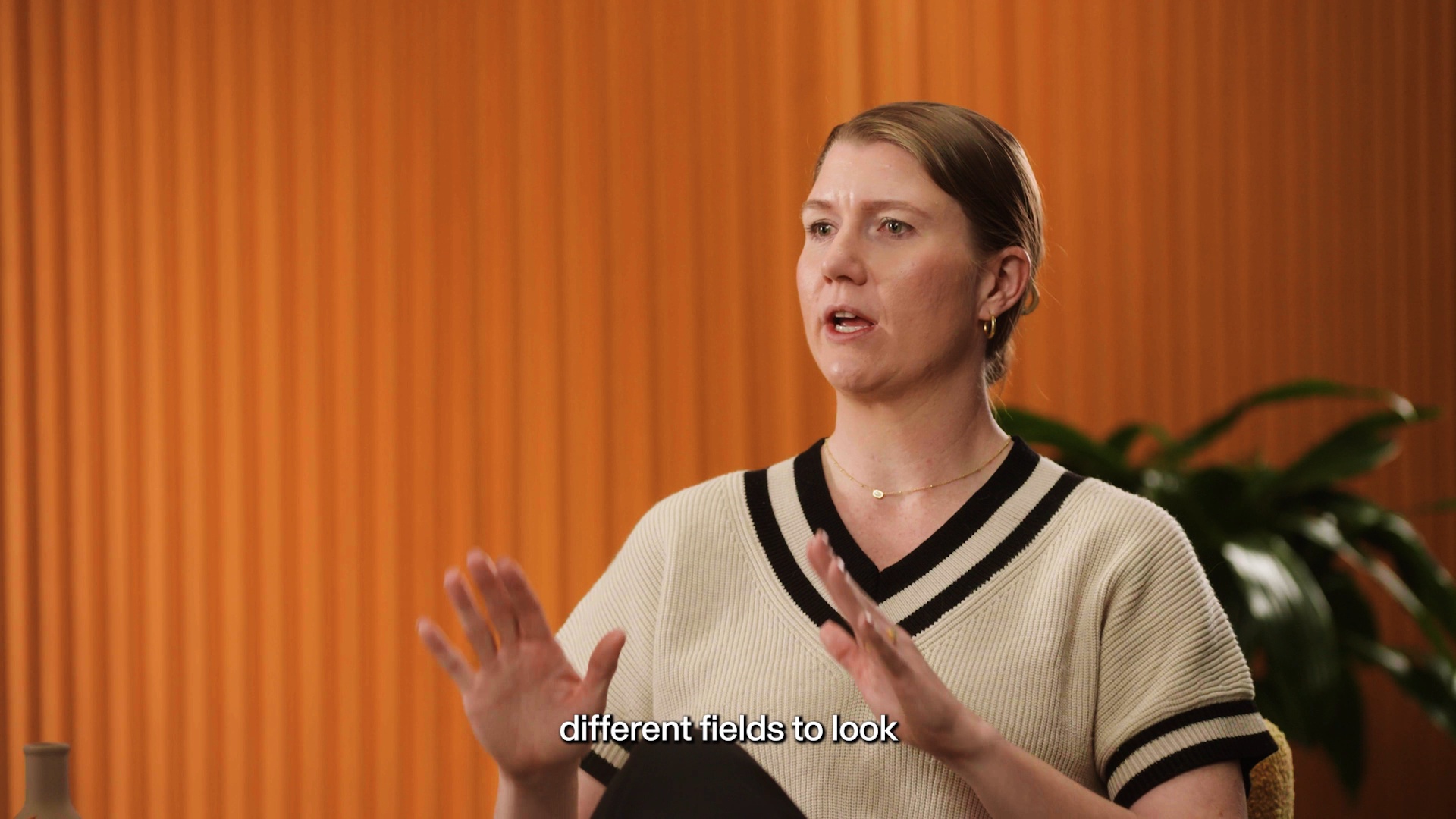
It was really inefficient to have the data in different systems.
How Silver Creek Materials built employee disciplinary tracking where decisions get made

In this article
Shannon Kingery is the Director of Compliance at Silver Creek Materials, a Fort Worth-based industrial company. When the system managing employee disciplinary actions no longer fit the way the team worked, they didn't switch tools. They built exactly what was needed, right inside Rippling. The following is Shannon's account of how that happened.
When every HR process lives in one place except one, that one process becomes the problem.
At Silver Creek Materials, almost everything runs through Rippling. Onboarding, time tracking, and the full employee record, all centralized. But disciplinary actions still lived in a legacy system. The data was technically accessible. It just wasn't where anyone needed it to be, and getting to it required leaving the system where every other HR decision was already being made.
That gap showed up every time a manager needed to document a writeup, every time an employee wanted to understand their own record, and every time HR had to run a report before a difficult conversation.
The problem: compliance data that couldn't keep up
The legacy system worked in isolation. Managers had a hard time locating what they'd previously submitted. Employees had almost no visibility into their own disciplinary history. And for HR, pulling a report meant leaving Rippling entirely, searching a separate system, and reconstructing context that should have been immediate.
Before a termination conversation or a performance review, the process was the same every time: go find the data and bring it back. If you were lucky, nothing had been missed.
The answer wasn't better disciplinary tracking software. It was bringing the process into the same place where everything else already lived.
The solution: a custom app built inside Rippling

When Rippling released Custom Apps, we saw an immediate fit. After working through requirements with the Rippling team, the build took a couple of months of refining fields and approval workflows in rounds as the app took shape.
The requirements going in were clear: easy enough for managers to use in a few clicks, structured to mirror the familiar form from the previous system, and surfaced directly on the employee profile where HR already spent most of its time.
Step 1: Define the form and the fields
We spent time working through what the user experience needed to look like before anything was built. The app needed to mirror the existing form closely enough that managers wouldn't have to relearn the process. Once the custom objects were in place, adding and adjusting fields was straightforward -- no code required.
Step 2: Build the approval chain
Every submission moves through a structured approval process before it lands on the employee profile. The workflow was designed so the right people see the right records at the right stage, with managers limited to their own departments and supervisors limited to what they submitted. HR and leadership have full visibility across the org.
Step 3: Surface everything on the employee profile
The final piece was placement. Disciplinary actions now live directly on the employee profile, visible to the employee after approvals are complete, and sitting right alongside the review cycles tab so managers can move between the two during performance season without switching systems.
Anybody in HR could figure it out. There's no writing of code, no complex algorithms. It was really just: what kind of field do you want to add, and where do you want to add it.
The impact: the right data, exactly where decisions get made
The most immediate change was visibility. Before a termination conversation, HR can now open an employee's profile and see the full disciplinary history without leaving Rippling. Recent writeups, older actions that no longer meet policy criteria, patterns over time -- all available in the same place where the conversation is being prepared.
The same visibility carries into performance reviews. Because the disciplinary actions tab sits directly alongside the review cycles tab, managers can move between the two during review season without hunting for records they half-remember.
At a quick glance, I can now very easily see where an employee may or may not have disciplinary actions. If we need to have a termination conversation, it makes it really easy.
What's already clear is that the fragmentation is gone. The data that used to require a separate system, a separate login, and a manual reconciliation now lives exactly where the team already works.
Want to explore what a custom solution could look like for your team? Reach out to your account manager to connect with Rippling's FDE team.
Disclaimer
Rippling and its affiliates do not provide tax, accounting, or legal advice. This material has been prepared for informational purposes only, and is not intended to provide or be relied on for tax, accounting, or legal advice. You should consult your own tax, accounting, and legal advisors before engaging in any related activities or transactions.

Author
Shannon Kingery
Director of Compliance
Hubs
Explore more

Feb 17, 2026
|
4 min
5 Real HR Automations Saving Teams Time & Money
What do automated referral bonuses, compliance trackers, and one-click dashboards have in common? They're saving HR teams hundreds of hours every year. Meet 5 companies that turned their busiest tasks into seamless automations—and the results speak for themselves.

Jul 7, 2026
|
5 min
How Bethel University replaced weeks of manual faculty pay validation with a single app
Bethel University built a custom Faculty Pay App inside Rippling that eliminated paper forms, automated complex pay calculations, and gave HR, faculty, and department chairs real-time visibility — saving the team an estimated 40 to 60 hours per payroll cycle.
Aug 21, 2025
|
1 min
Rippling grants access and permissions “Just-In-Time” in a zero trust environment
Rippling’s IT team designed a custom app that ensured access requests happen directly in Rippling, saving hours per week

Aug 21, 2025
|
4 min
How we automated timecard approvals to save time and spare errors
Learn how the company ditched paper timecards and punchclocks in favor of an automated solution—where approved hours flow right into payroll.
Aug 21, 2025
|
4 min
How we save time, money, and headaches assigning equipment to employees
Silver Creek Materials used to misplace radios, keys, and PPE. Learn how automations and reporting helped the company keep better track of its equipment.

Feb 5, 2026
|
4 min
Rippling Solutions: On-demand custom apps, built for you by Rippling engineers
Fix broken workflows with custom-built apps and automations created by Rippling engineers — built inside Rippling with your data, permissions, and policies.
Aug 21, 2025
|
7 min
Introducing App Studio: The end of one-size-fits-all software
Build and automate custom apps—no code needed. Rippling’s App Studio gives your team a drag-and-drop builder that anyone can use.

Jun 6, 2026
|
4 min
How AYP Consulting built a real-time profitability engine inside Rippling
AYP Consulting replaced spreadsheets and gut feel with a live profitability model built entirely inside Rippling — connecting CRM, time tracking, payroll, and CSAT data in one custom data ecosystem. The result: sales cycles three times faster and real-time visibility into margin, utilization, and customer satisfaction.
See Rippling in action
Increase savings, automate busy work, and make better decisions by managing HR, IT, and Finance in one place.